Duration — 1280×720 · 16:9 landscape HyperFrames HyperFrames + GSAP
Run log
ModelClaude (agent build)
Renderer / stackHyperFrames + GSAP
Iterations to final2
Render time34s (final render)
Format1280×720 · 16:9 landscape
Published2026-10-26
What broke (and the fix)
- Check flagged the terminal's autoAlpha hide (a clip element) and the shard layer occluding terminal text at t=0: the shards' fromTo tween had immediateRender on, pinning them visible before the shatter beat — shards now start at CSS opacity:0 with immediateRender:false.
- The terminal hint line failed WCAG contrast at 3.08:1 — brightened from #6a6a6a to #b5b5b5; the re-check passed 75/75 contrast checks with 0 errors.
- First snapshot review (2.0s, 4.5s, 7.4s): the blinking cursor sat at the end of the full command width because untyped characters (opacity:0) still occupied layout space — characters now start at width:0 and grow to full monospace width as they type, so the cursor tracks the typed text. The shatter shards were also too dark and too fast to read mid-beat — lightened (#3d3d3d) and slowed with a power2.in ease; the re-snapshot shows the burst clearly.
Original prompt (shared by creator) Tested Community
HeyGen's terminal-to-kinetic example — community prompt (tested)
Shared by HeyGen (HyperFrames docs) · Original post
Shared prompt: the worked example from the official HyperFrames prompting guide — HyperFrames is Apache-2.0 and HeyGen publishes the guide so anyone can run the prompt with their own agent. Our video is an independent test run — HeyGen does not endorse MotionPrompts.
Prompt
Banned list —Beat grid —Build method —Self-review —
Make an 8-second 1920x1080 video. Beat 1 (0-4s): dark macOS terminal types "npx skills add heygen-com/hyperframes" character by character, then hold on the blinking cursor. Beat 2 (4-5s): the terminal shatters into fragments. Beat 3 (5-8s): bold white kinetic text on black slams in word by word, snappy: "YOU JUST MADE THIS / WITH HYPERFRAMES." Adapt the code-typing and vfx-shatter registry blocks; hand-author the kinetic text. No narration, no image or media files.
Use this prompt
Run at the gallery's 1280×720 instead of the guide's 1920×1080. The guide names two HyperFrames registry blocks (code-typing, vfx-shatter); our self-contained composition hand-authors equivalents for both, as the guide's own last instruction allows for the kinetic text.
Related videos
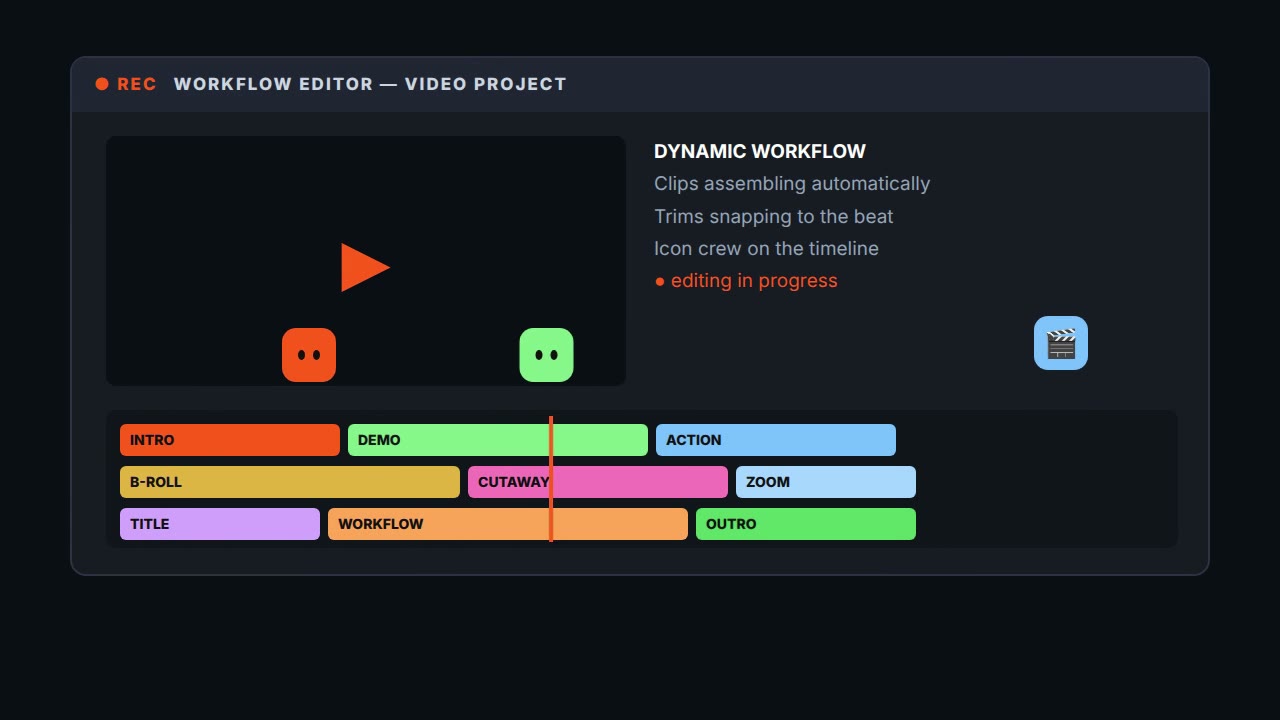
@daniel_mac8's terminal-to-workflow burst — community prompt (tested)
HyperFrames·16:9 landscape TestedCommunity
Kinetic type showreel
HyperFrames·Landscape Tested
Logo reveal — ring, notch and wordmark
HyperFrames·Landscape Tested
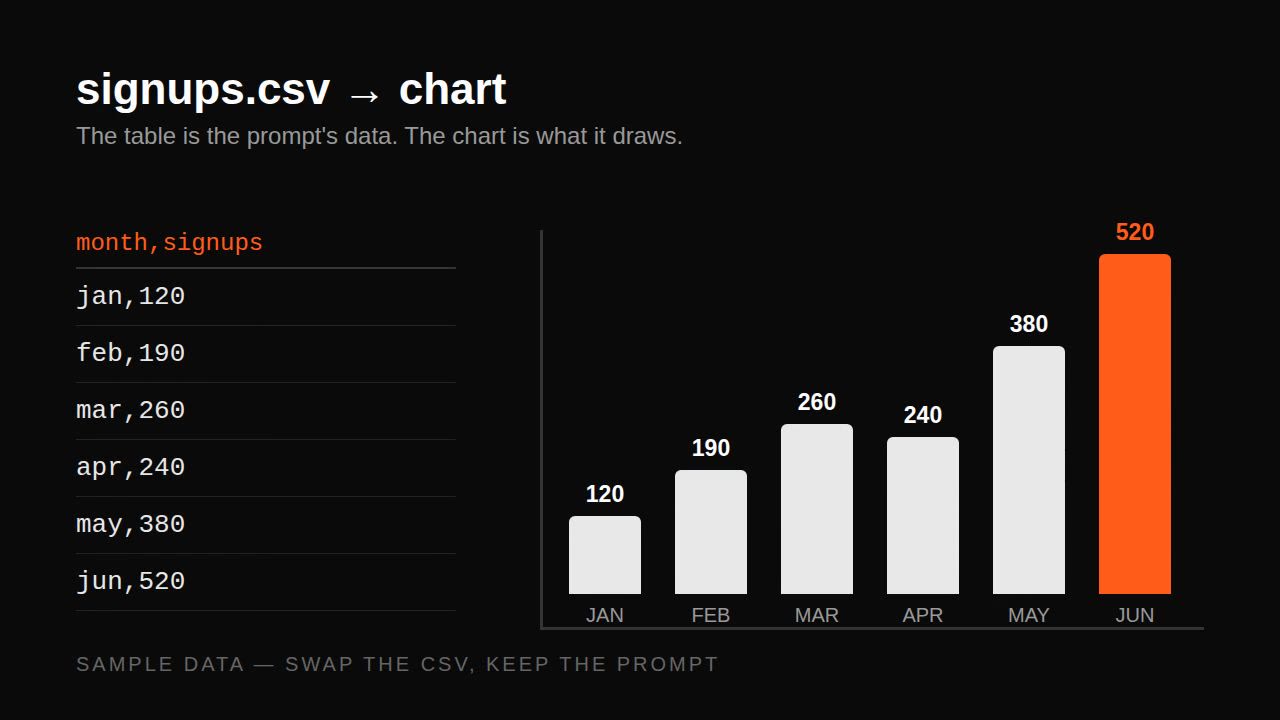
Remotion data prompt — CSV to animated bar chart
Remotion·Landscape Tested