Duration — 1280×720 · 16:9 landscape HyperFrames HyperFrames + GSAP
Run log
ModelClaude (agent build)
Renderer / stackHyperFrames + GSAP
Iterations to final1
Render time24s (final render)
Format1280×720 · 16:9 landscape
Published2026-10-25
What broke (and the fix)
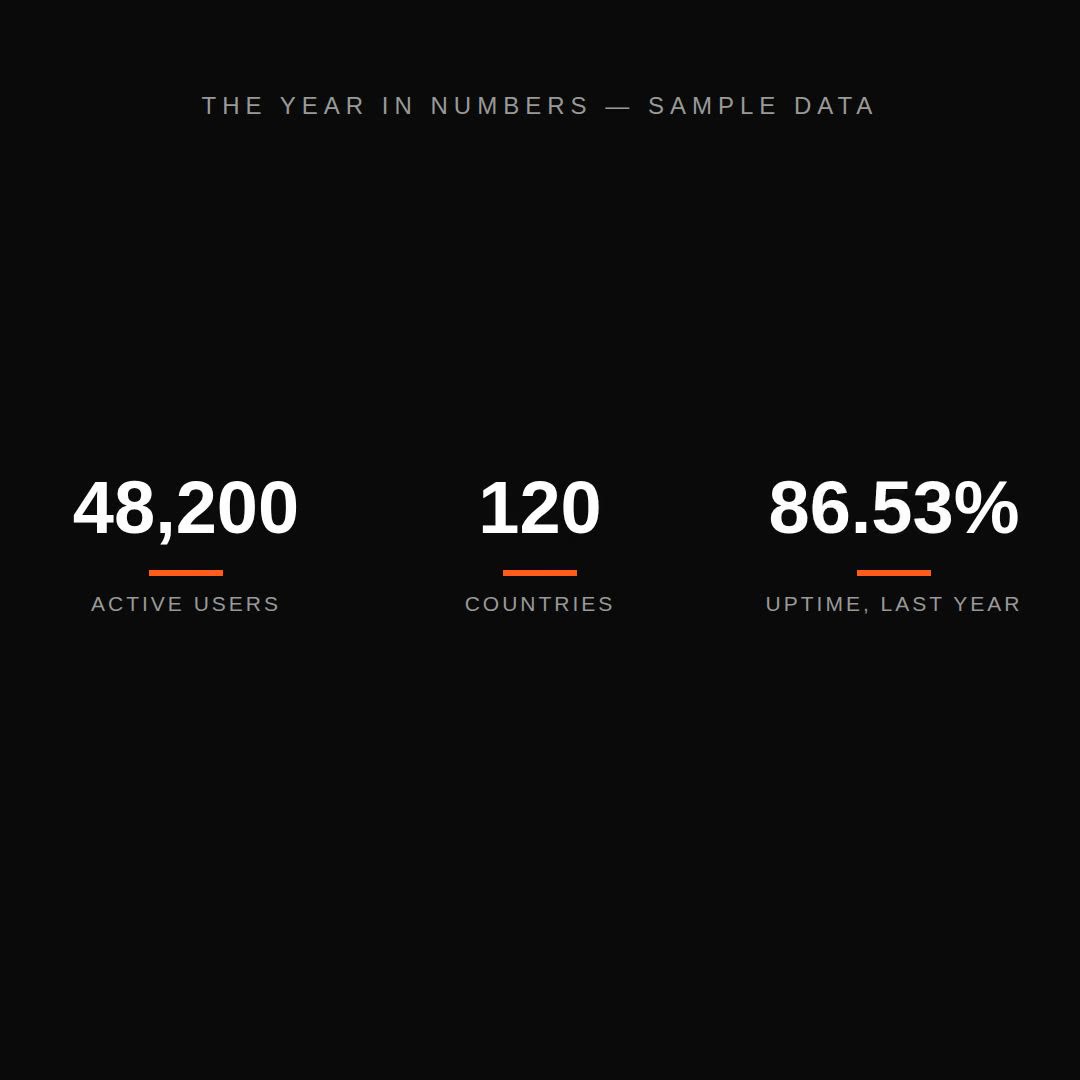
- Nothing broke — the first render shipped. Count-up lands exactly on 12,480 with its thousands separator, and the 30%/70%/final stills are clean.
Original prompt Tested
Animated chart — HyperFrames prompt (stat count-up story)
by MotionPrompts (own run)
Prompt
Banned list —Beat grid —Build method —Self-review —
<direction>
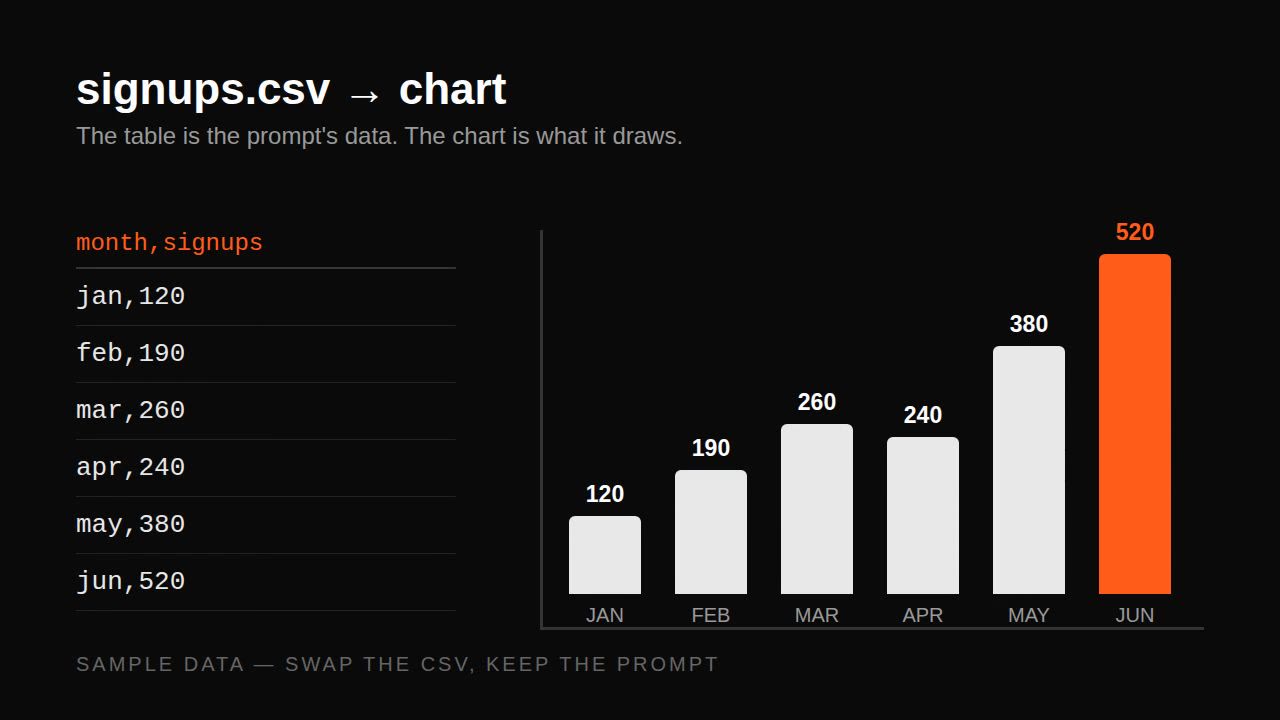
A 9-second animated chart film (1280x720, 30fps) for monthly signups. House style: near-black #0a0a0a background, white type, ONE orange accent #ff5c1a, Arial/Helvetica bold, no webfonts. One big number counts up from zero to 12,480, then a six-bar chart grows beneath it under the label SIGNUPS BY MONTH — SAMPLE DATA. Every figure is illustrative sample data, labelled SAMPLE on screen throughout.
Banned: 3D bars, glows, gradients, pie charts, truncated axes, decimal places the data does not have, real company names.
</direction>
<structure>
0.0-0.8s: kicker "ANIMATED CHART — SAMPLE DATA" in. 0.8-3.4s: the big number counts 0 to 12,480 with thousands separators; label "monthly signups" under it. 3.4-6.4s: six bars grow from the baseline, left to right, the tallest in accent; axis labels sit below, never inside the bars. 6.4-9.0s: end line "THE NUMBER IS THE HOOK. THE CHART IS THE PROOF." + "ILLUSTRATIVE SAMPLE DATA" footer; hold.
</structure>
<build>
One HyperFrames composition, 1280x720, seek-driven GSAP timeline, paused. The count-up is an object tween with onUpdate formatting; bars grow by scaleY from transform-origin bottom, never by animating height. Render at 30fps.
</build>
<gotchas>
- Format during the count (12,480, not 12480 mid-count) or the number reads as a different value.
- Bars must share one baseline; a floating bar reads as a broken axis.
- The SAMPLE label must be visible in the final frame, not only in the opening.
</gotchas>
Before you finish: step through the timeline at five points and fix anything that overlaps, clips the frame, or drifts off the beat grid.
Use this prompt
One number, then the chart that earns it. The count-up is the hook; the bars are the proof — and every figure is labelled sample on screen.