Original prompt — Tested
Motion designer showreel prompt — résumé cut
by MotionPrompts (own run)
Prompt
Banned list ✓Beat grid ✓Build method ✓Self-review ✓
<direction>
A 9-second motion-designer résumé film for A. DESIGNER (sample persona, labelled in the kicker). Name and role land first. Four skill bars slide in and fill to their levels — Kinetic type 95 · Product UI 90 · Data stories 85 · 3D scenes 70 — the top skill's bar in accent. A WORKS IN column lists the tools as chips. Footer: availability line plus "THE PROMPT THAT MADE THIS IS BELOW". Near-black background, one orange accent.
Banned: glows, gradients, percentage claims with no work behind them, more than four skills, a photo you do not have the rights to.
</direction>
<structure>
Beat 1 (0.2–1.1s): kicker, name, role. Beats 2–5 (1.2s–3.8s): one skill row per beat — row slides in, then its bar fills over ~0.9s. Beat 6 (4.6–5.5s): tool chips stagger in. Beat 7 (7.8s): footer. Hold.
</structure>
<build>
One HyperFrames composition, 1280x720 landscape, seek-driven GSAP timeline. Bars are scaleX fills inside fixed tracks, transformOrigin left; fill widths live in the data (% of track), so the number printed and the bar drawn can never disagree.
</build>
<gotchas>
Skill bars invite inflated numbers; the format only works if the levels are defensible in an interview. Keep the sample persona's numbers plausible, not perfect — four 100s would read as a lie in any portfolio.
</gotchas>
Before you finish: step through the timeline at five points and fix anything that overlaps, clips the frame, or drifts off the beat grid.
A résumé that moves: name card, four skill bars filling to their levels, a tools column, and an availability footer. The persona is a sample — the kicker says SAMPLE PERSONA before anything else.
Run log
| Model | Claude (agent build) |
| Renderer / stack | HyperFrames + GSAP |
| Iterations to final | 1 |
| Render time | 23s (final render) |
| Format | 1280×720 · landscape |
| Published | 2026-10-25 |
 Kinetic type showreel
 Product UI morph — one shape, many states
 Logo reveal — ring, notch and wordmark
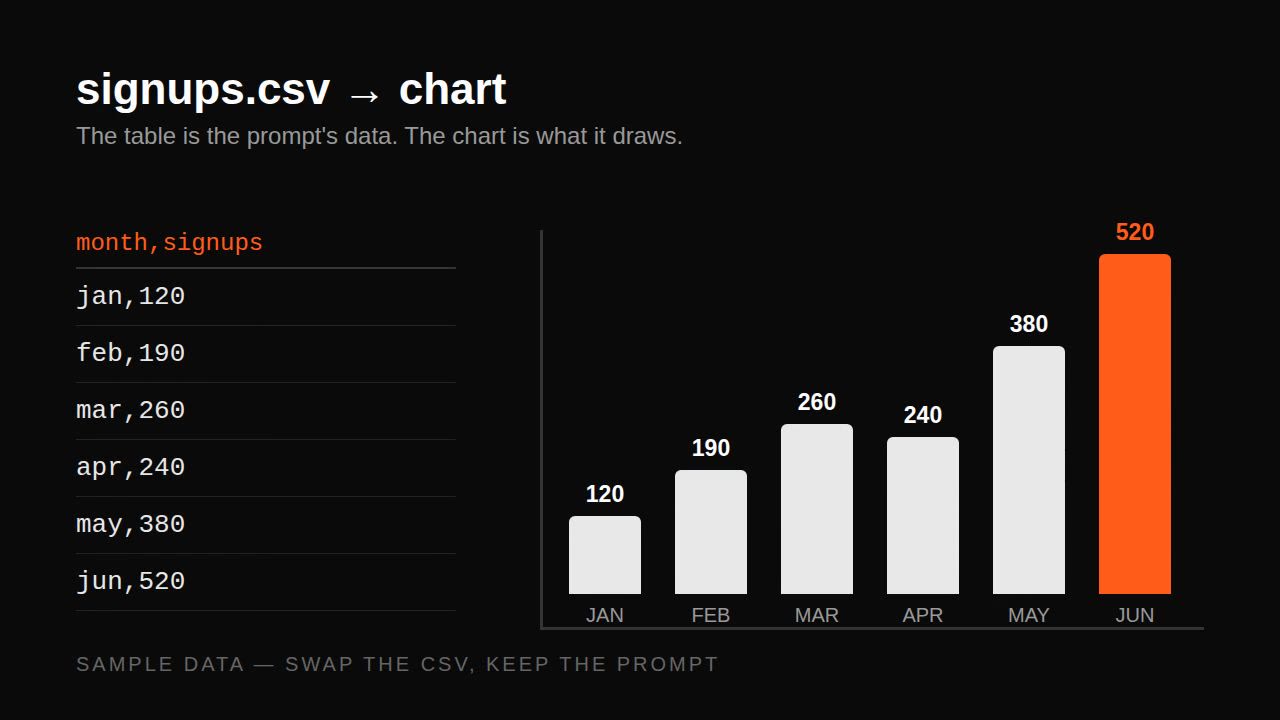 Remotion data prompt — CSV to animated bar chart