Duration — 1080×1080 · 1:1 square Remotion Remotion + React
Run log
ModelClaude (agent build)
Renderer / stackRemotion + React
Iterations to final1
Render time25s (final render)
Format1080×1080 · 1:1 square
Published2026-10-25
What broke (and the fix)
- Nothing broke — the final-frame still was clean and the first render shipped.
Original prompt Tested
Onboarding explainer — Remotion prompt (first-run flow in a phone, square)
by MotionPrompts (own run)
Prompt
Banned list —Beat grid —Build method —Self-review —
<direction>
An 8-second onboarding explainer in Remotion (1080x1080 square, 240 frames at 30fps). House style: near-black #0a0a0a background, panels #141414, borders #2a2a2a, text #ffffff/#c9c9c9, ONE accent #ff5c1a, Arial/Helvetica bold, no webfonts. This run's accent: #ff5c1a. A phone shows the real first-run flow — welcome, one choice, first success — while numbered steps tick off beside it. Fictional app; the phone is built from divs. No gradients, no stock photos, no real brand logos, no lorem ipsum, no purple/blue tech gradient.
</direction>
<structure>
Frames 0-96 — Phone slides up left. Screen 1: "Welcome to TaskTide", one honest line ("about a minute"), a GET STARTED pill and a quiet secondary button. Beside it, step "1 — SIGN UP IN A MINUTE." lands.
Frames 92-164 — Screen 2 crossfades: "What is this board for?" Three goal rows; "WORK" is the selected one (accent fill, tick). Step "2 — PICK ONE GOAL." lands.
Frames 160-240 — Screen 3: the first task row with a checkmark that DRAWS itself (SVG polyline, dashoffset), then CREATE BOARD. Beside it, a progress ring sweeps to full next to "3 — SETUP COMPLETE", plus the fictional fine print.
</structure>
<build>
One component; screens are stacked layers in the phone with clamped crossfade windows (~14-frame overlaps). The checkmark and the ring are SVG strokes driven by frame-interpolated dashoffsets (pathLength/circumference constants). Everything from useCurrentFrame — no runtime state.
</build>
<gotchas>
- Onboarding films lie by omission: show the REAL number of steps your flow has. This sample has three because the fictional flow has three.
- The selected-goal tick must be a drawn glyph, not an emoji.
- Check the last frame as a still: ring complete, check drawn, fine print visible — all three or the ending reads unfinished.
</gotchas>
Before you finish: step through the timeline at five points and fix anything that overlaps, clips the frame, or drifts off the beat grid.
Use this prompt
Runs as written. The pattern generalises to any first-run flow: one screen per numbered step, and end on the user's first success, not on a logo.
Related videos
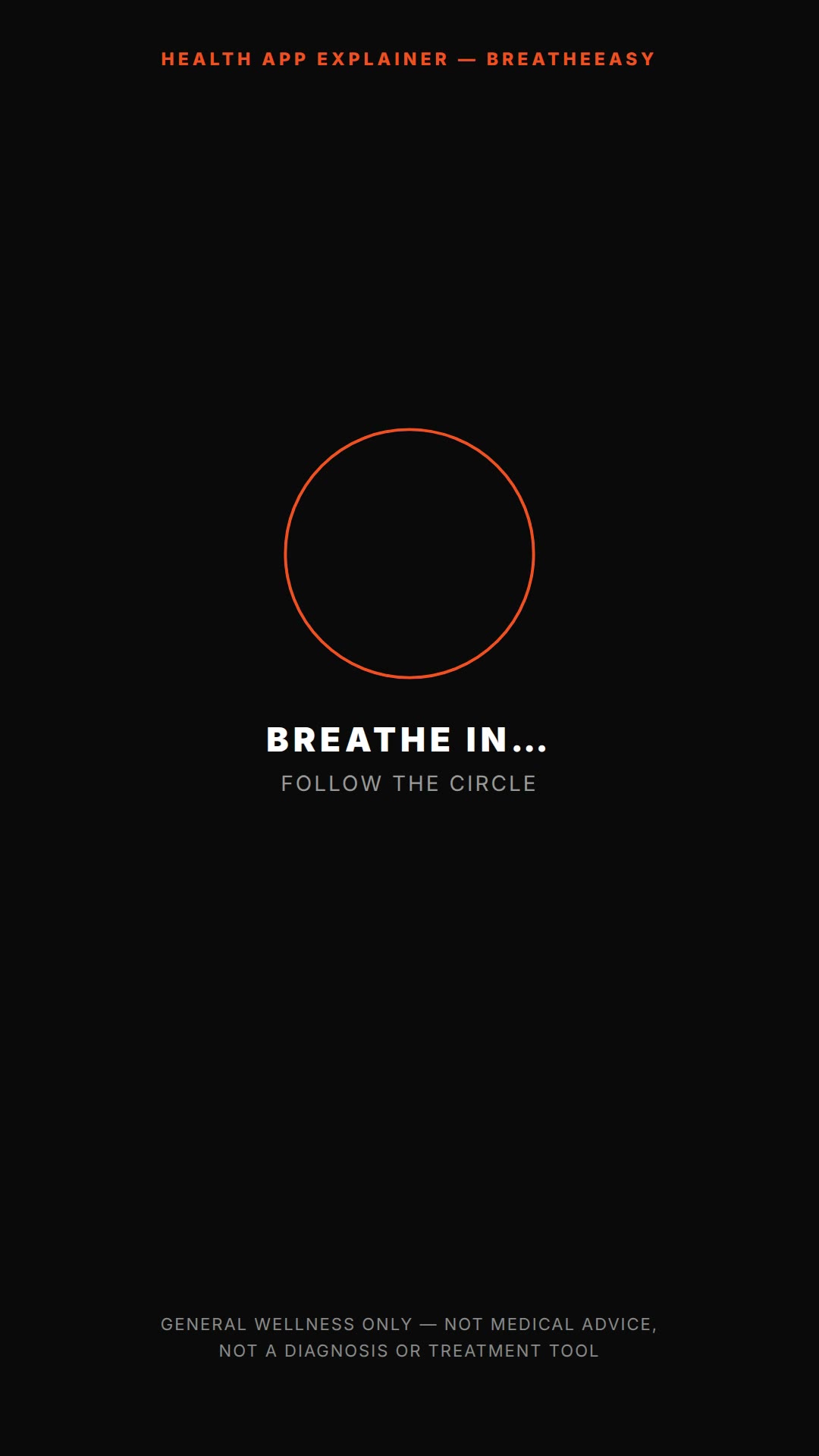
Health app explainer — HyperFrames prompt (vertical onboarding, wellness-only)
HyperFrames·9:16 vertical Tested
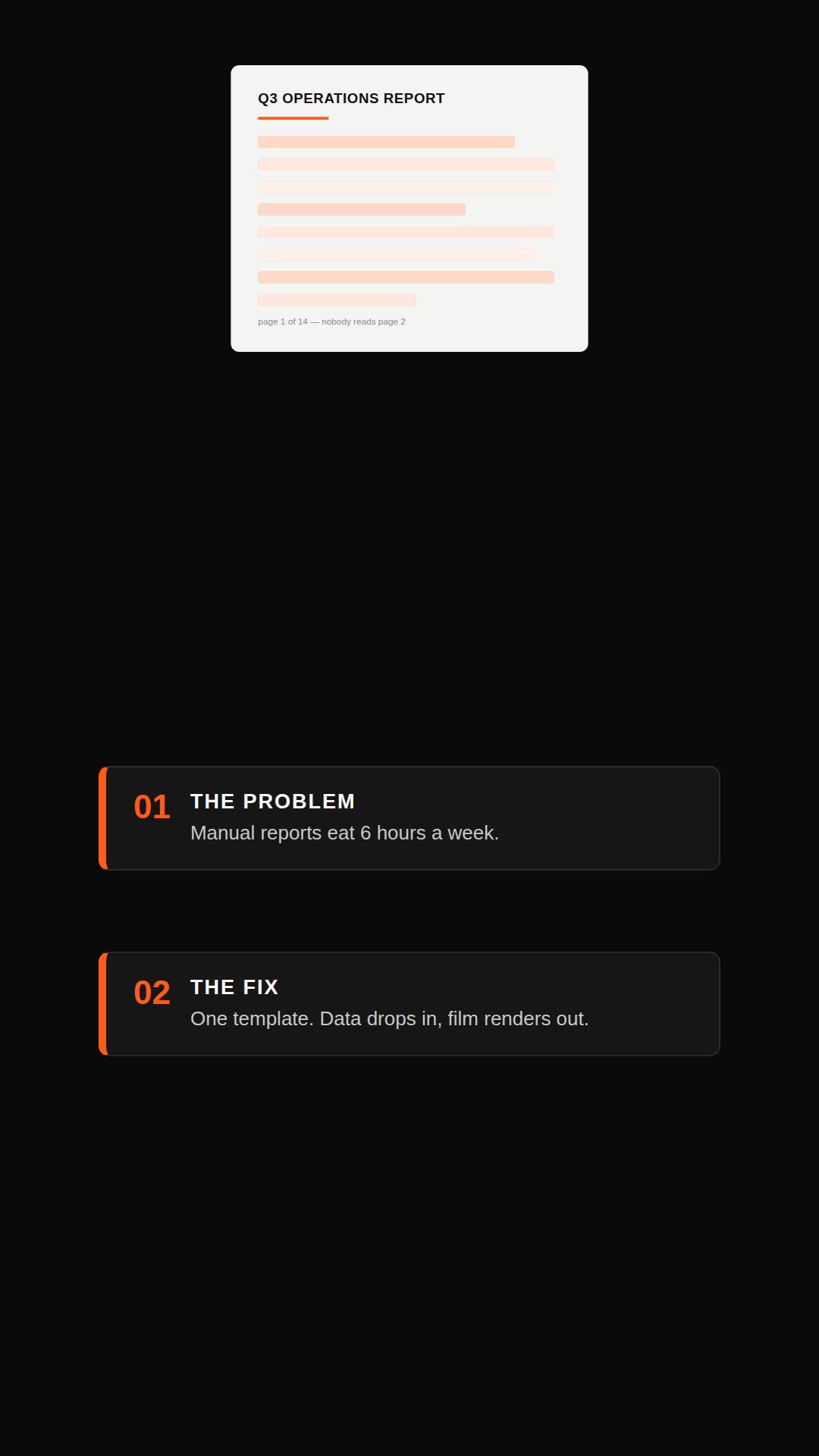
Remotion explainer prompt — document to vertical video
Remotion·Vertical Tested
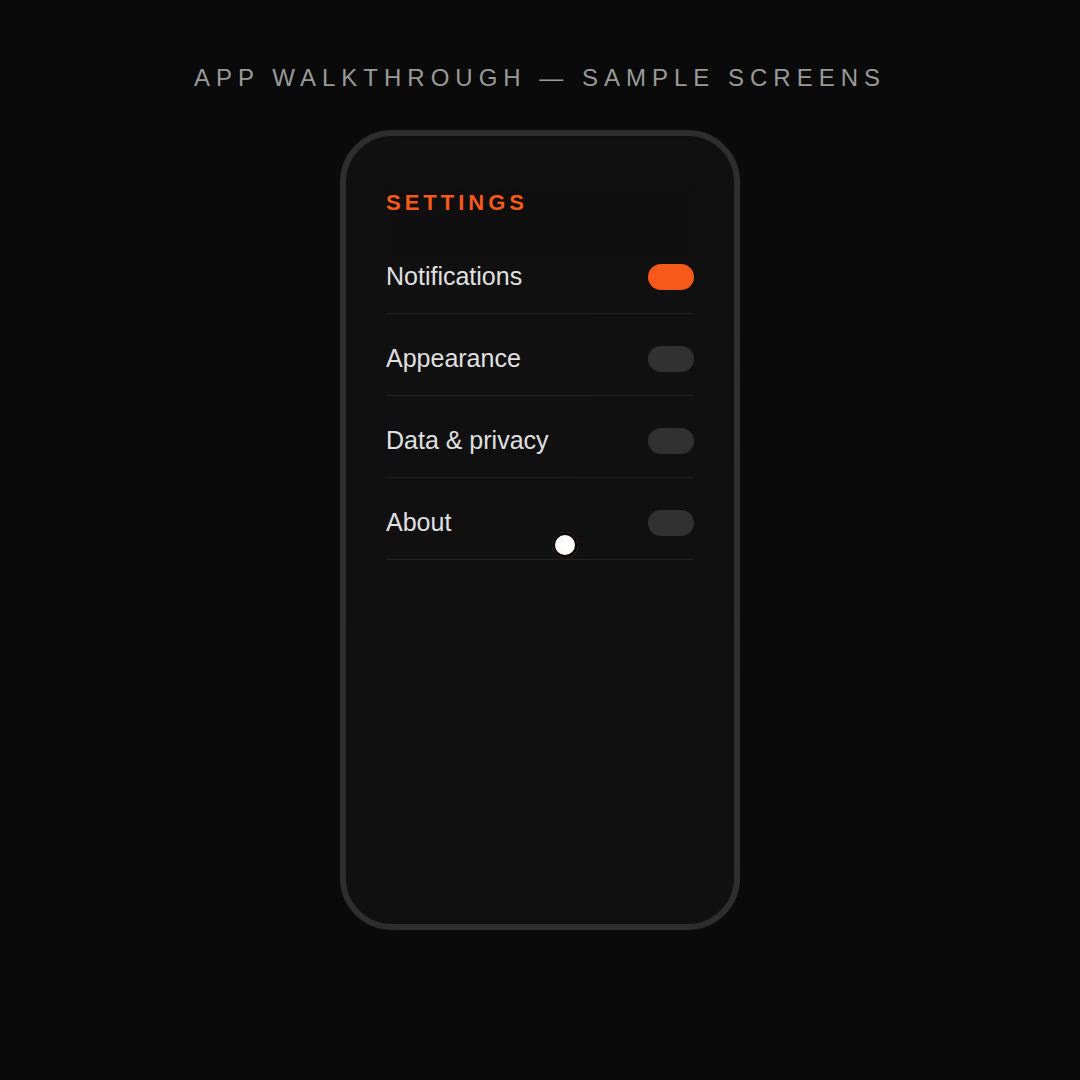
Remotion app walkthrough prompt — screens + cursor
Remotion·Square Tested
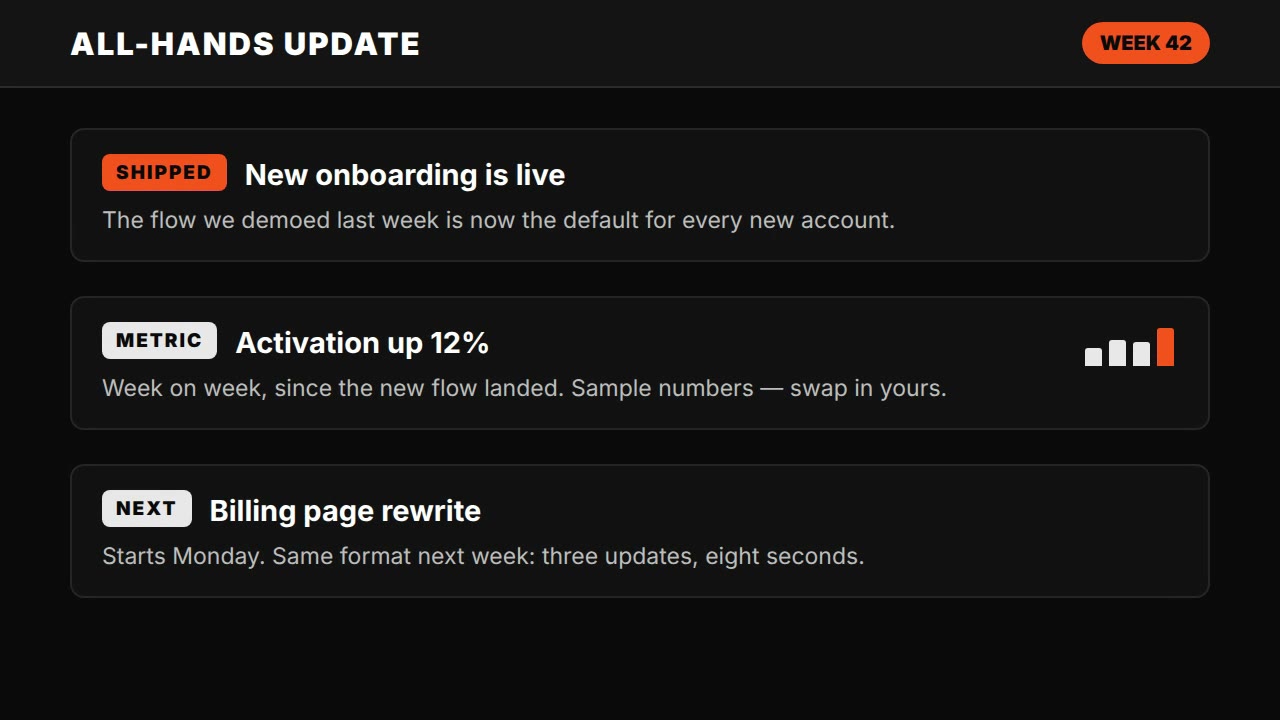
Claude Motion explainer prompt — all-hands update style
HyperFrames·Landscape Tested