Original prompt — Tested
Claude Motion explainer prompt — all-hands update style
by MotionPrompts (own run)
Prompt
Banned list ✓Beat grid ✓Build method ✓Self-review ✓
<direction>
An 8-second all-hands update film, edition WEEK 42. A header bar drops in: ALL-HANDS UPDATE, with the edition as an accent chip. Three update cards slide in one at a time, each tagged — one shipped item, one metric, one next step — with one plain line of detail each. A closer lands at the bottom: "THREE UPDATES. EIGHT SECONDS. NO MEETING." Near-black background, one orange accent.
Banned: glows, gradients, stock photos of handshakes, more than three updates, detail lines longer than one sentence.
</direction>
<structure>
Beat 1 (0.15–1.0s): header bar and chip. Beats 2–4 (0.9s / 2.5s / 4.1s): one card per beat, sliding from the left; the metric card grows its mini bar chart as it settles. Beat 5 (5.7s): the closer line fades up. Hold.
</structure>
<build>
One HyperFrames composition, 1280x720 landscape, seek-driven GSAP timeline. Cards are absolutely positioned rows with fixed tops — never let later content reflow earlier cards. Decorative elements inside a card (like the mini bars) must be positioned relative to the card, not left in flow.
</build>
<gotchas>
First pass put the mini bar chart in normal flow and it rendered under the text instead of at the card's right edge. Anything inside a card that is not text flow gets position:absolute — check every card's corners in the snapshot.
</gotchas>
Before you finish: step through the timeline at five points and fix anything that overlaps, clips the frame, or drifts off the beat grid.
The all-hands meeting, replaced by an 8-second film: a header, three tagged updates — shipped, metric, next — and a closer that says the quiet part out loud. Sample updates; swap in yours.
Run log
| Model | Claude (agent build) |
| Renderer / stack | HyperFrames + GSAP |
| Iterations to final | 2 |
| Render time | 20s (final render) |
| Format | 1280×720 · landscape |
| Published | 2026-10-25 |
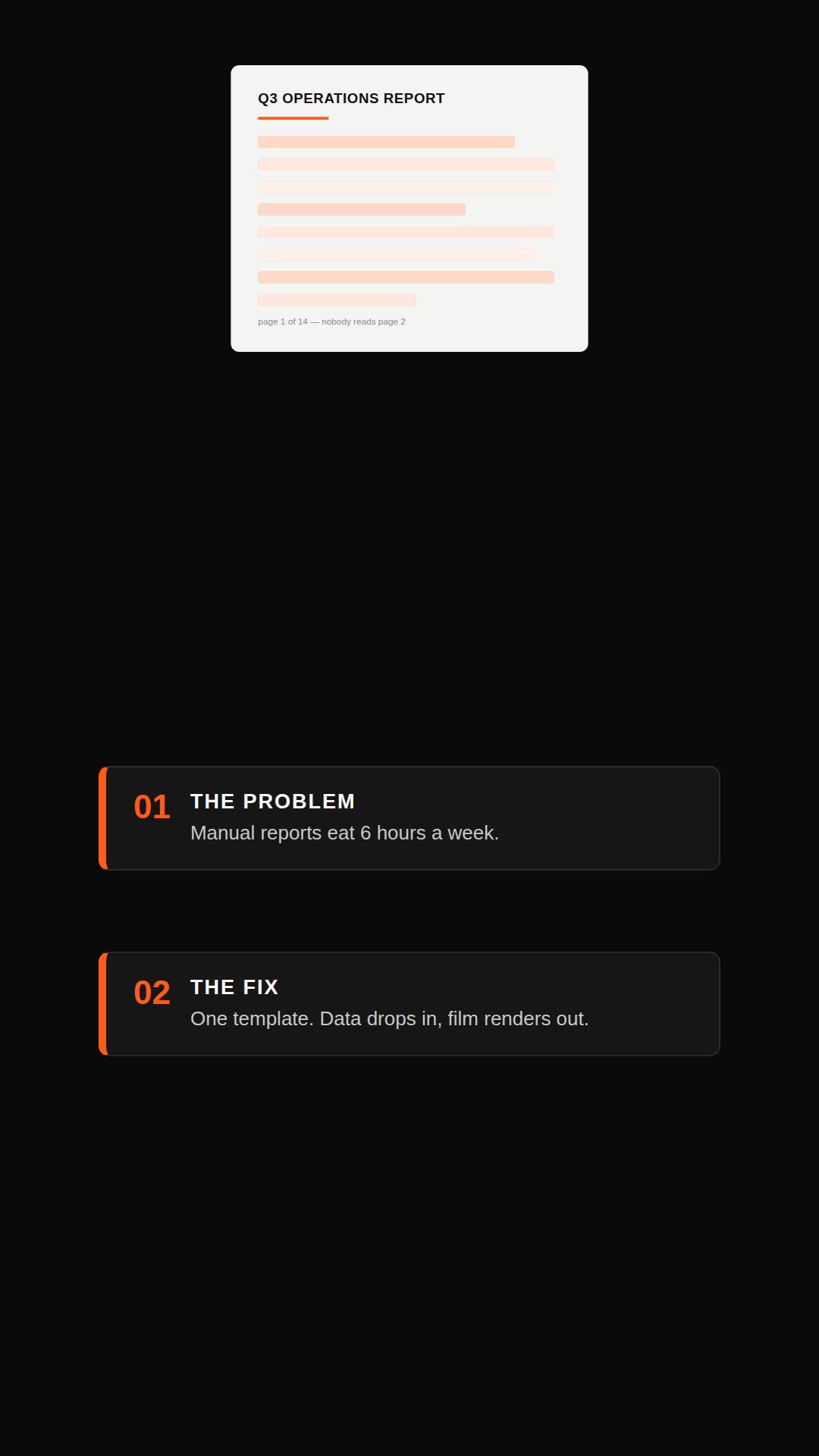 Remotion explainer prompt — document to vertical video
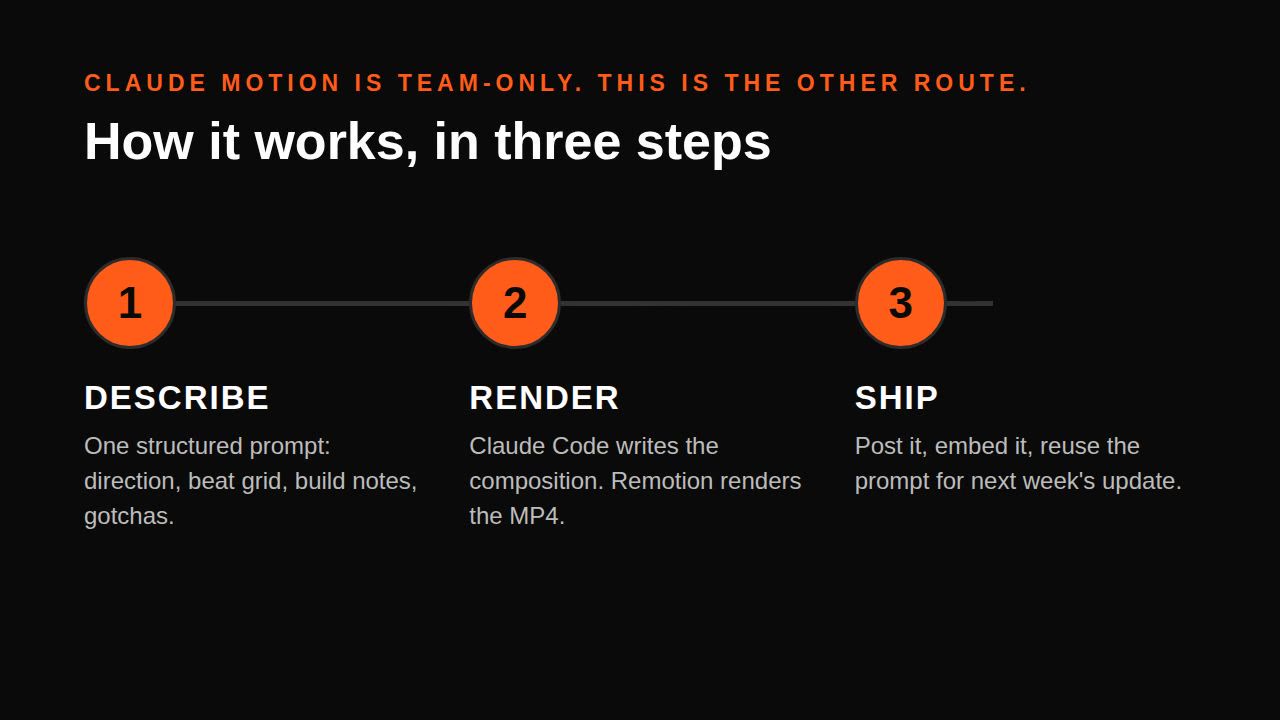 Claude Motion alternative — explainer without Motion (Remotion)
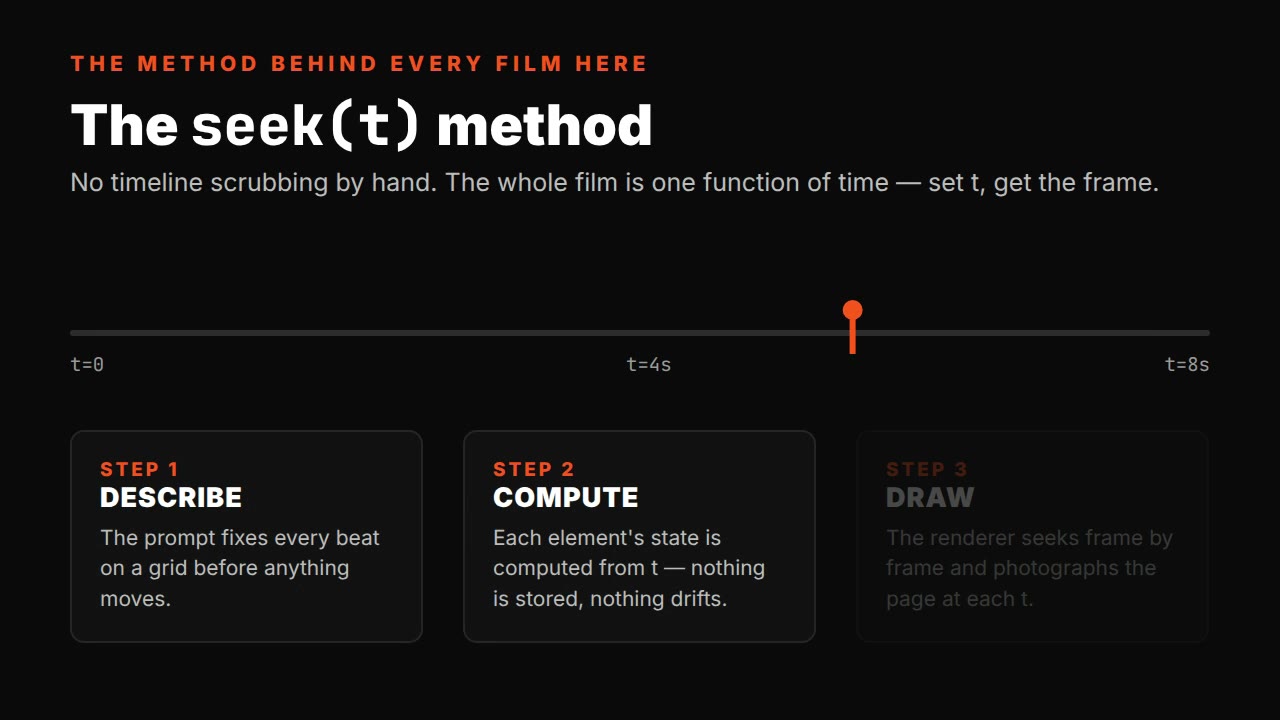 Single-file HTML explainer prompt — seek(t) method
 HyperFrames faceless explainer prompt — narration-ready cards