Duration — 1280×720 · 16:9 landscape HyperFrames HyperFrames + GSAP
Run log
ModelClaude (agent build)
Renderer / stackHyperFrames + GSAP
Iterations to final1
Render time18s (final render)
Format1280×720 · 16:9 landscape
Published2026-10-25
What broke (and the fix)
- Nothing broke — check passed first try and the first render shipped. (The strike line reads as an accent rule across the old block — visually accepted.)
Original prompt Tested
Feature announcement video — HyperFrames prompt (before/after cards)
by MotionPrompts (own run)
Prompt
Banned list —Beat grid —Build method —Self-review —
<direction>
An 8-second feature announcement film, HyperFrames 1280x720 at 30fps. House style: near-black #0a0a0a background, panels #141414, borders #2a2a2a, text #ffffff/#c9c9c9, ONE accent #ff5c1a, Arial/Helvetica bold, no webfonts. The whole film is one comparison: the painful before vs the one-click after. Fictional product, sample times. No gradients, no stock photos, no real brand logos, no lorem ipsum, no purple/blue tech gradient.
</direction>
<structure>
0.0-1.4s — Kicker "NEW FEATURE — Draftly". The feature name "AI SUMMARIES" slams in with an accent "NEW" pill.
1.4-4.2s — Two cards side by side. LEFT (BEFORE): grey text lines with a strike line drawing across, captioned "40 MINUTES OF READING". RIGHT (AFTER): three short bullet points appear one by one, captioned "40 SECONDS". The after card carries the accent border.
4.2-6.0s — Cards shrink slightly; the line "ONE CLICK." lands big between them.
6.0-8.0s — End state: "LIVE FOR ALL PLANS — TODAY" plus the fictional-product fine print.
</structure>
<build>
One paused GSAP timeline (window.__timelines["main"]). The strike is a thin div whose scaleX grows; bullets stagger in. Keep both cards the same height so the comparison reads as fair.
</build>
<gotchas>
- The strike line must sit ON the text block, not across the card title — position it inside the lines container.
- Announce availability honestly in adaptations: "live today" in this sample is set dressing for a fictional product.
</gotchas>
Before you finish: step through the timeline at five points and fix anything that overlaps, clips the frame, or drifts off the beat grid.
Use this prompt
Tested verbatim. The before/after card pair is the reusable unit — swap the feature name and the two cost captions and the film re-skins in minutes.
Related videos
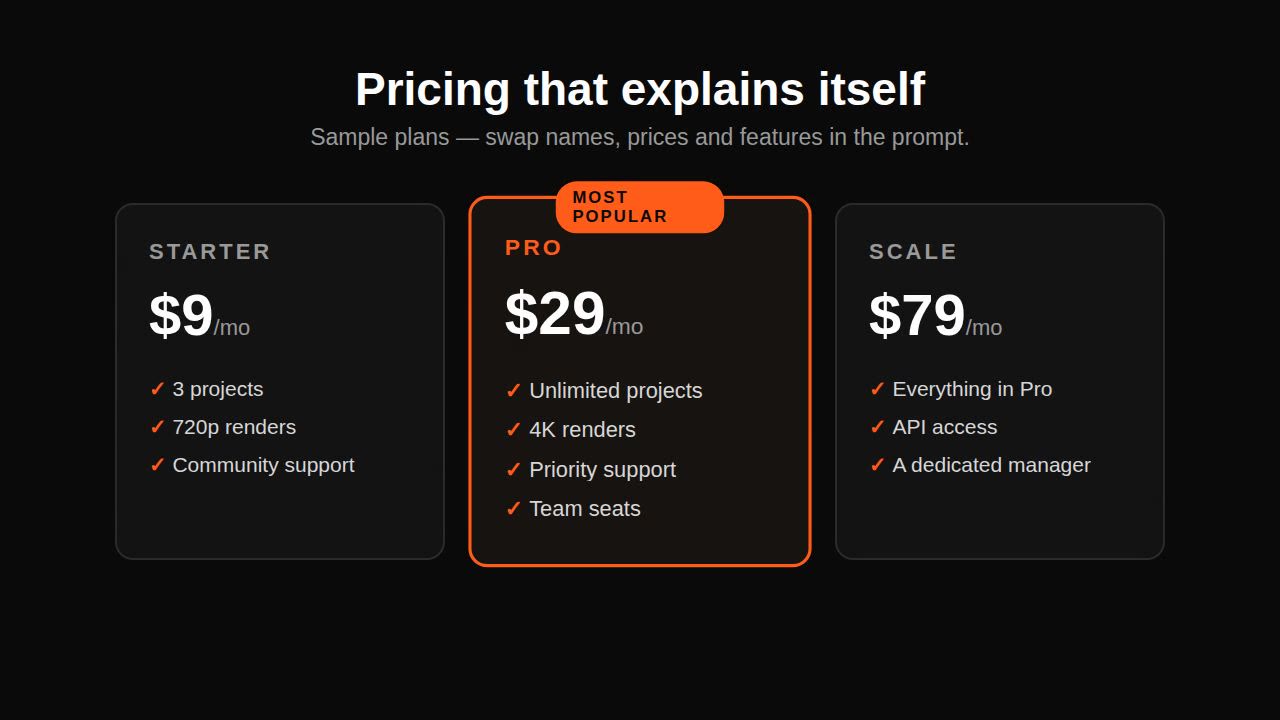
Remotion pricing promo prompt — plan cards
Remotion·Landscape Tested

AI showreel prompt for a product — square cut
HyperFrames·Square Tested
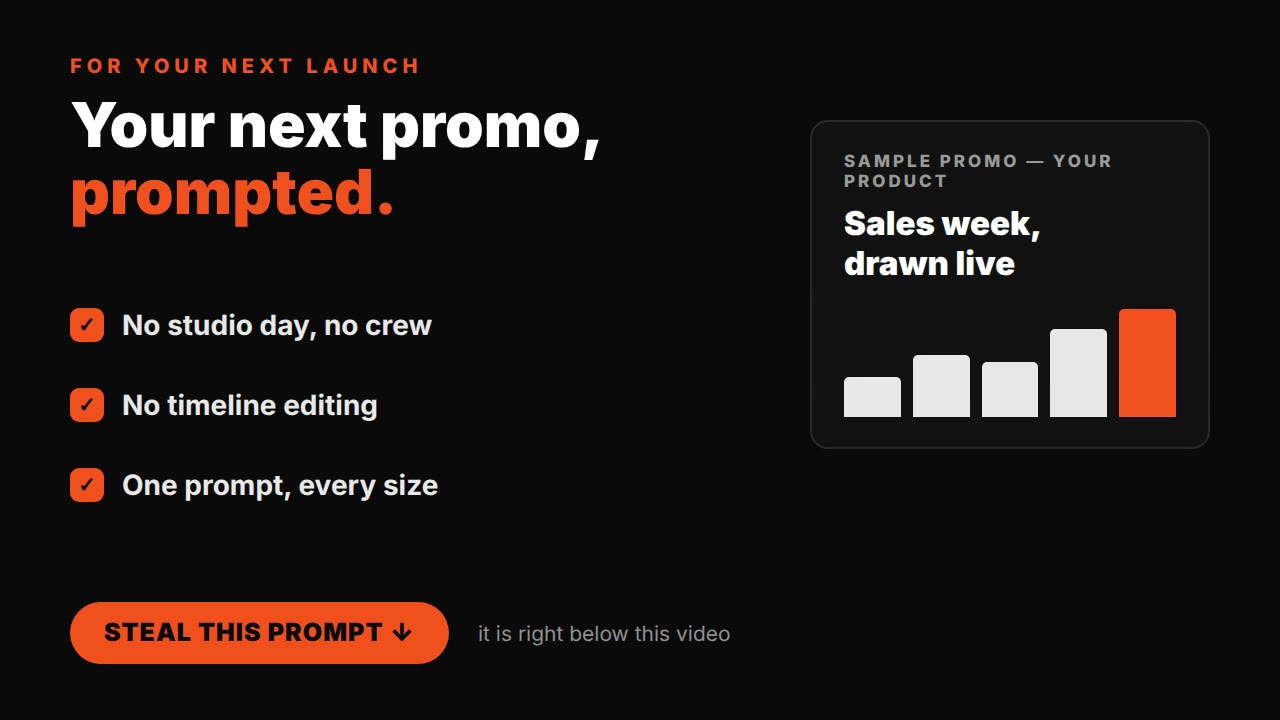
Claude motion graphics prompt — business promo video
HyperFrames·Landscape Tested
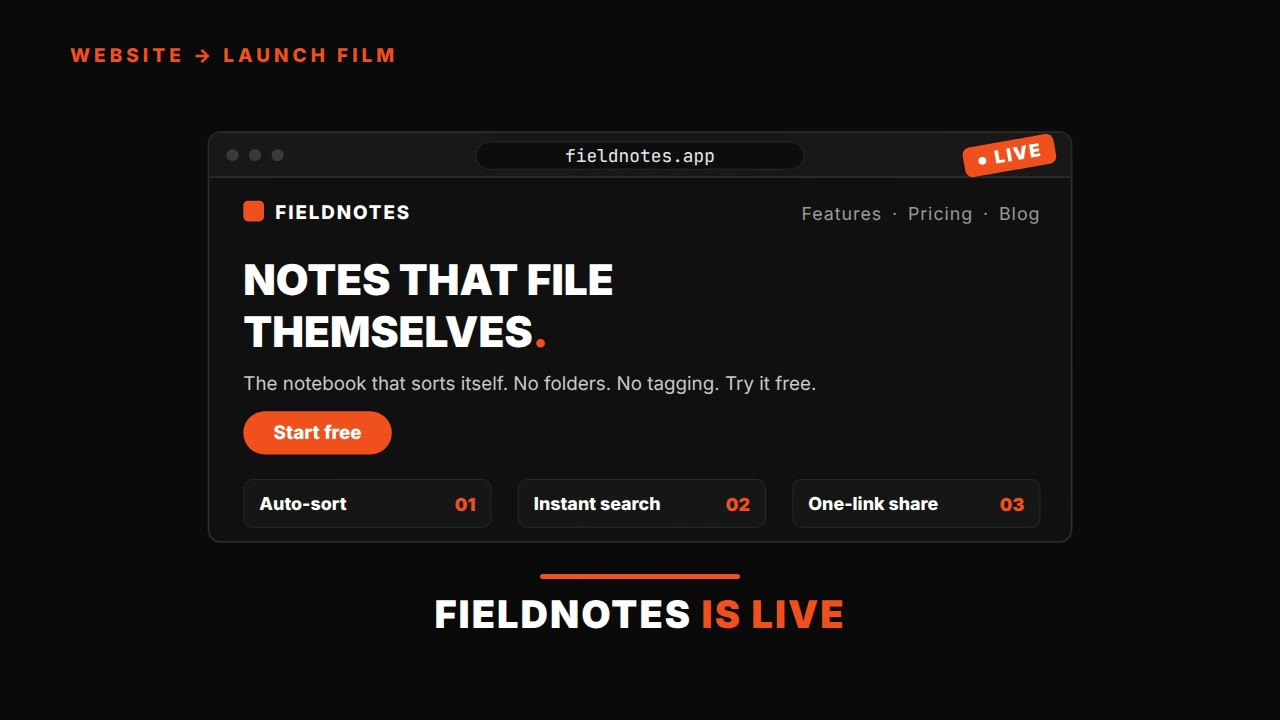
HyperFrames website-to-launch prompt — URL to launch film
HyperFrames·Landscape Tested