Original prompt — Tested
HyperFrames website-to-launch prompt — URL to launch film
by MotionPrompts (own run)
Prompt
Banned list ✓Beat grid ✓Build method ✓Self-review ✓
<direction>
A 9-second website-to-launch film for PIXELFORGE, 1280x720 landscape. A browser window draws itself — chrome bar, three dots, and the address bar typing pixelforge.app character by character. Inside, a hero headline and button fade up. Then the window yields: a LIVE stamp lands and the launch lockup — PIXELFORGE IS LIVE — takes the frame with a sub-line.
Banned: screenshots of real websites, real brand logos, glows, gradients, fake analytics numbers, browser chrome that looks like a specific real browser's trade dress.
</direction>
<structure>
Beat 1 (0.4s): window frame scales in. Beat 2 (1.2–2.7s): domain types in, one character per 0.09s. Beat 3 (2.8s): hero content fades up. Beat 4 (4.4s): LIVE stamp pops inside the chrome bar. Beat 5 (5.6s): launch lockup slams, sub-line rises. Hold to 9s.
</structure>
<build>
One HyperFrames composition, seek-driven GSAP. Typing is a JS character-stagger. The stamp must live INSIDE the chrome bar's box, not floating over the page area.
</build>
<gotchas>
First snapshot caught the LIVE stamp sitting on top of the nav links — moved it up into the chrome bar where a status badge belongs. Anything stamped on a UI mock needs its own empty lane designed in from the start.
</gotchas>
Before you finish: step through the timeline at five points and fix anything that overlaps, clips the frame, or drifts off the beat grid.
A URL-to-launch film: a browser window builds, the fictional product site's hero types itself in, then a LIVE stamp and the launch line take over. The site inside the frame is a mock built in-frame — no screenshots, no real product.
Run log
| Model | Claude (agent build) |
| Renderer / stack | HyperFrames + GSAP |
| Iterations to final | 2 |
| Render time | 24s (final render) |
| Format | 1280×720 · landscape |
| Published | 2026-10-25 |
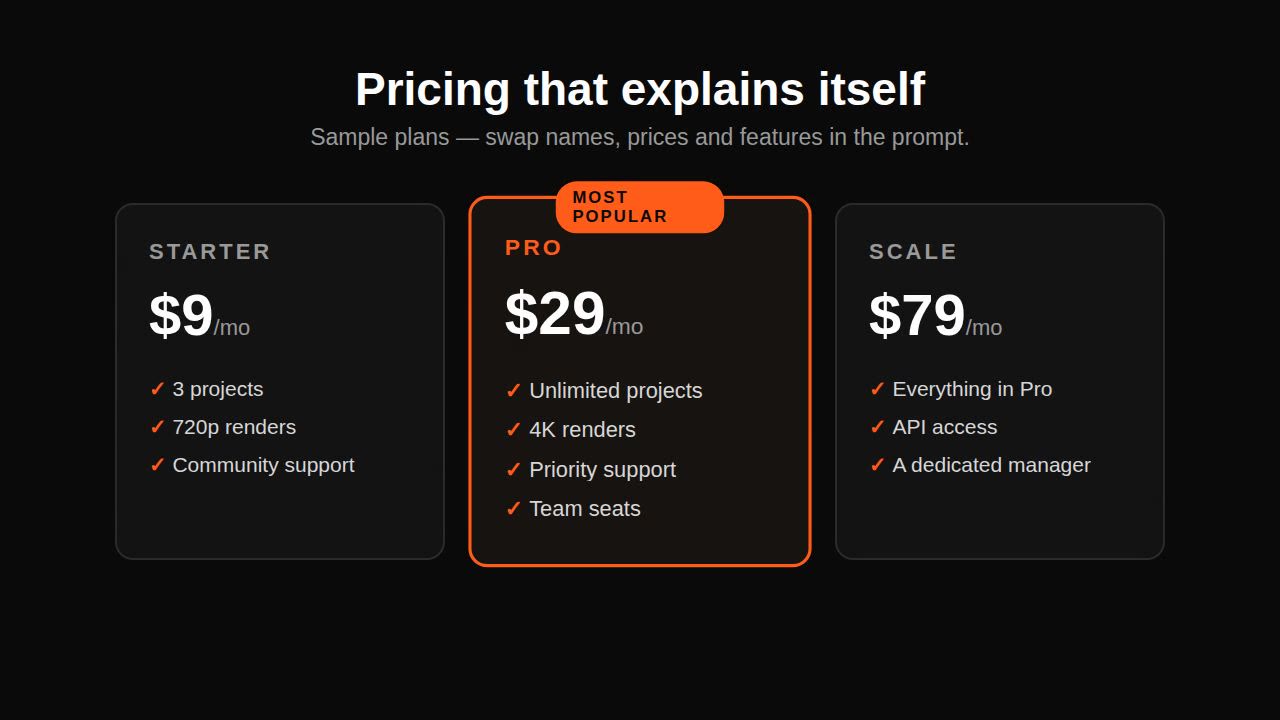 Remotion pricing promo prompt — plan cards
 AI showreel prompt for a product — square cut
 Claude motion graphics prompt — business promo video
 Product UI morph — one shape, many states