Duration — 1280×720 · 16:9 landscape HyperFrames HyperFrames + GSAP
Run log
ModelClaude (agent build)
Renderer / stackHyperFrames + GSAP
Iterations to final1
Render time17.9s (final render)
Format1280×720 · 16:9 landscape
Published2026-10-29
What broke (and the fix)
- Checker layout error on the first check: the ghost number's negative top offset (-58px) overflowed the canvas top by 58px — moved to top:20px so the full ghost sits inside the frame; check then passed.
- Checker type-floor warning: the strip label 'ALL CHAPTERS' raised 16px→19px before rendering. First render (32.7s) was the final render.
Original prompt Tested
Chapter title cards — HyperFrames prompt (numbered section dividers)
by MotionPrompts (own run)
Prompt
Banned list —Beat grid —Build method —Self-review —
<direction>
Build a 10-second chapter title card (numbered section divider) as a single HyperFrames composition, 1280x720, 30fps. This is one card from a divider SYSTEM: the same layout must work for every chapter of a long video by changing only three values.
House style: background #0a0a0a, white type, ONE orange accent #ff5c1a, Arial/Helvetica bold only. NO webfonts, no gradients, no glows, no 3D.
Chapter number: 02. Chapter title: CUTTING THE PARTS. Total chapters: 6.
Banned: per-chapter colour changes, decorative imagery, the ghost number ever rising above ~7% opacity, any layout that shifts when the chapter number changes from 02 to 12.
</direction>
<structure>
0.0-1.0s — A giant ghost chapter number (02 at ~430px, white at 7% opacity) fades in at the right of frame, behind everything; the orange kicker "CHAPTER 02 OF 6" slides in at left (80px, 118px).
1.0-2.5s — CUTTING THE PARTS lands big and white at left (82px, weight 900, starting 1.0s), with a short grey descriptor line fading in under it at 1.7s.
2.5-4.0s — A segmented progress bar draws at bottom-left (80px, 452px): 6 segments, the first 02 filled orange, the rest dark grey, scaling in one by one left to right.
4.0-7.0s — A "system strip" rises from below at bottom (80px, 528px): label "ALL CHAPTERS" plus one chip per chapter (01 to 6), the current chapter's chip filled orange, the rest dark — this beat proves the card belongs to a system.
7.0-10.0s — The strip dims back to ~22% opacity and the hero card (ghost number, kicker, title, progress bar) holds clean to the end.
</structure>
<build>
One root div, data-composition-id "main", data-duration 10, 1280x720. Every element is a .clip child with data-start/data-duration/data-track-index; the ghost number is the FIRST child so it always paints behind the title. Segments and chips are plain divs/spans inside their container clips, sized from the chapter count — for 6 chapters: segments 173px wide with 16px gaps across 1120px, chips 168px wide with 14px gaps. Build ONE paused GSAP timeline, register it as window.__timelines["main"], and end with tl.seek(0). Load GSAP from a local gsap.min.js file only — never a CDN.
</build>
<gotchas>
- Keep the ghost number fully inside the frame: at ~430px its line box is ~520px tall, so a negative top offset trips layout overflow — position it at top 20px or later.
- The ghost sits BEHIND the title on purpose; if it is a later sibling it paints over the title and the card looks broken.
- Segment count, filled count and chip count all derive from 6 and 02 — hard-coding 6 segments while the kicker says "OF 8" is the classic failure.
- Dim the strip by animating the whole container's opacity, not each chip, or the lit chip dims at a different rate and flashes.
</gotchas>
Before you finish: step through the timeline at five points and fix anything that overlaps, clips the frame, or drifts off the beat grid.
Use this prompt
Rendered as prompted: ghost number, segmented bar (2 of 6 filled) and the 01–06 chip strip all land on their beats, and the strip dims back at 7s leaving a clean hero hold. One layout fix was needed before the render (see whatBroke).
Related videos
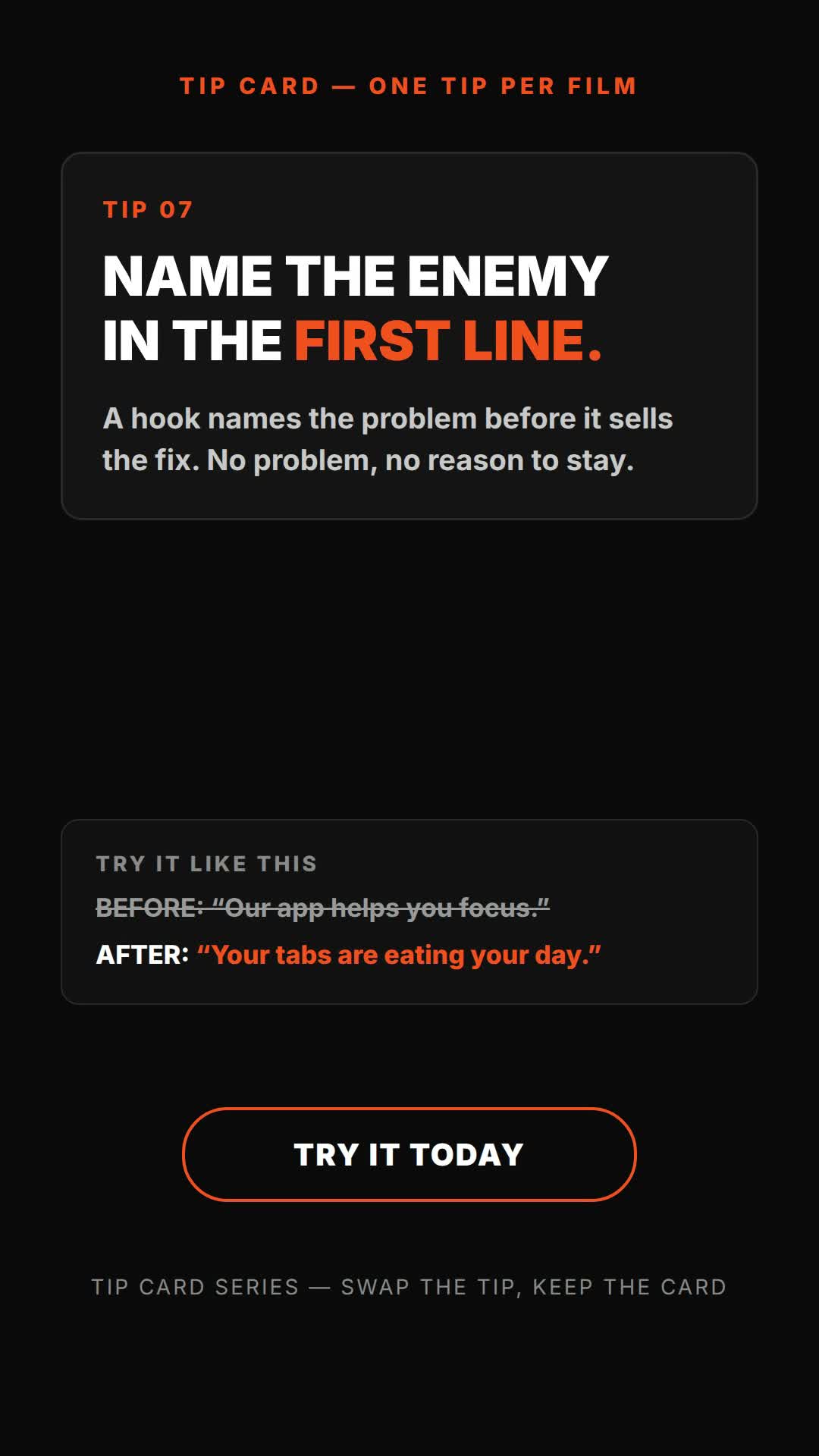
Tip card prompt — one tip per film (vertical) — HTML prompt (tip card + before/after example)
HTML·9:16 vertical Tested

YouTube channel intro — HyperFrames prompt (name sting + tagline)
HyperFrames·16:9 landscape Tested
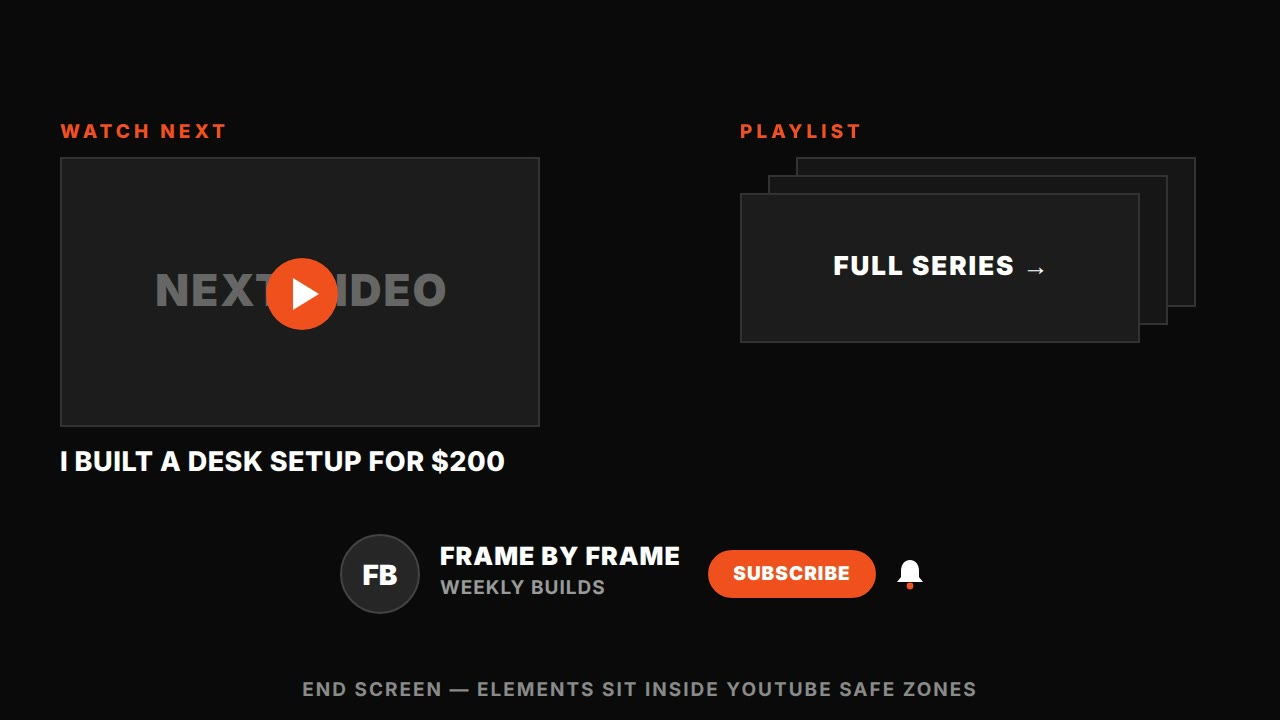
YouTube end screen — HyperFrames prompt (subscribe + next video cards)
HyperFrames·16:9 landscape Tested