Original prompt — Tested
HyperFrames product demo prompt — feature tour
by MotionPrompts (own run)
Prompt
Banned list ✓Beat grid ✓Build method ✓Self-review ✓
<direction>
A 9-second product demo film for FLOWBASE, 1280x720 landscape. A clean UI mock (sidebar + panel) sits centre-frame. A cursor glides between three stops: the dashboard chart, the AUTOMATIONS panel where three toggle rows switch on one by one, and settings where a save bar fills. A caption bar at the bottom names each stop as it happens: 01 DASHBOARD / 02 AUTOMATIONS / 03 SETTINGS.
Banned: real product screenshots, fake customer data, glows, gradients, cursor paths that cross the text they highlight, lorem ipsum.
</direction>
<structure>
Beat 1 (0.3s): UI mock builds — sidebar items stagger, chart bars grow. Beat 2 (~1.7s): cursor to feature nav, panel swaps, toggles flip staggered. Beat 3 (~3.9s): cursor to settings, save bar fills. A closing beat (6.8–8.0s) settles the tour. Captions change on each beat. Hold to 9s.
</structure>
<build>
One HyperFrames composition, seek-driven GSAP. The cursor is one absolutely-positioned div tweened between measured park points. Toggles are pill divs whose knob translates and whose track colour flips.
</build>
<gotchas>
First check flagged the cursor occluding the very text it was demonstrating. Every stop now has a park point BESIDE its target (right of labels, below values) — tour cursors should point at things, not sit on them.
</gotchas>
Before you finish: step through the timeline at five points and fix anything that overlaps, clips the frame, or drifts off the beat grid.
A feature-tour demo film: a cursor drives a UI mock through three stops — dashboard, the hero feature panel, settings — with a caption bar naming each stop. The cursor parks beside its targets, never on the text it is showing you.
Run log
| Model | Claude (agent build) |
| Renderer / stack | HyperFrames + GSAP |
| Iterations to final | 2 |
| Render time | 23s (final render) |
| Format | 1280×720 · landscape |
| Published | 2026-10-25 |
 Product UI morph — one shape, many states
 Remotion testimonial prompt — reviews carousel
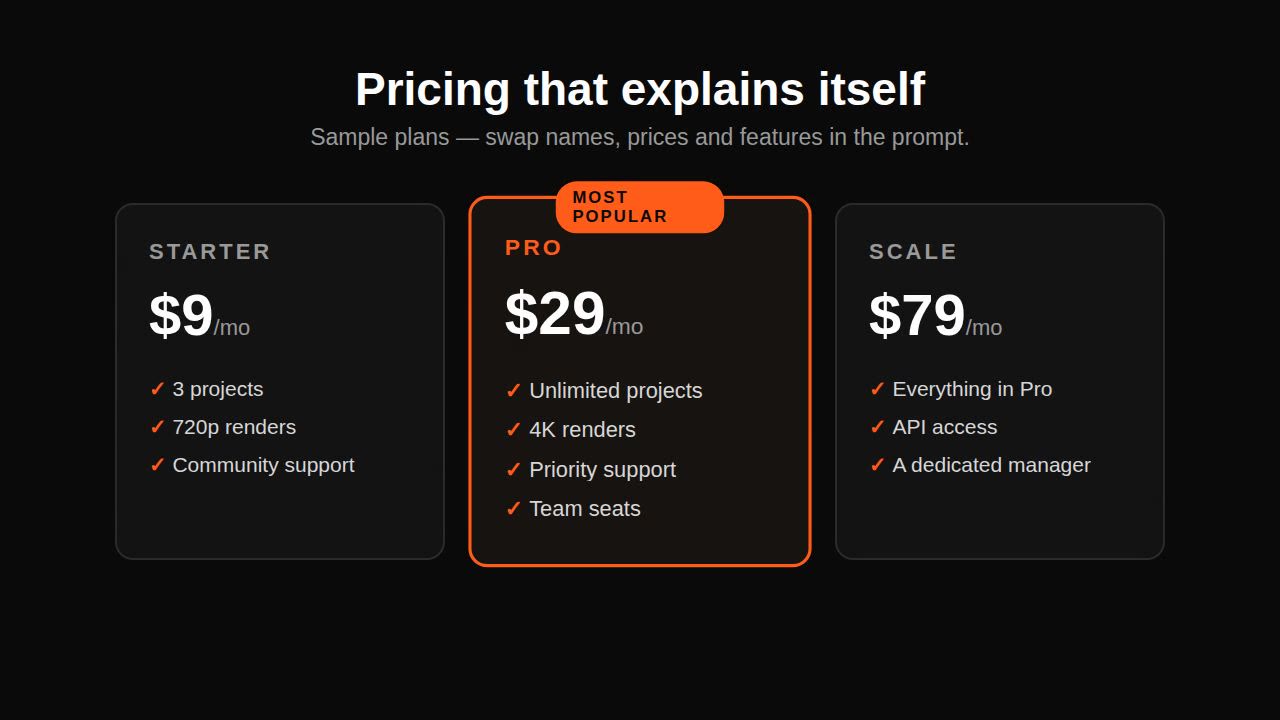 Remotion pricing promo prompt — plan cards
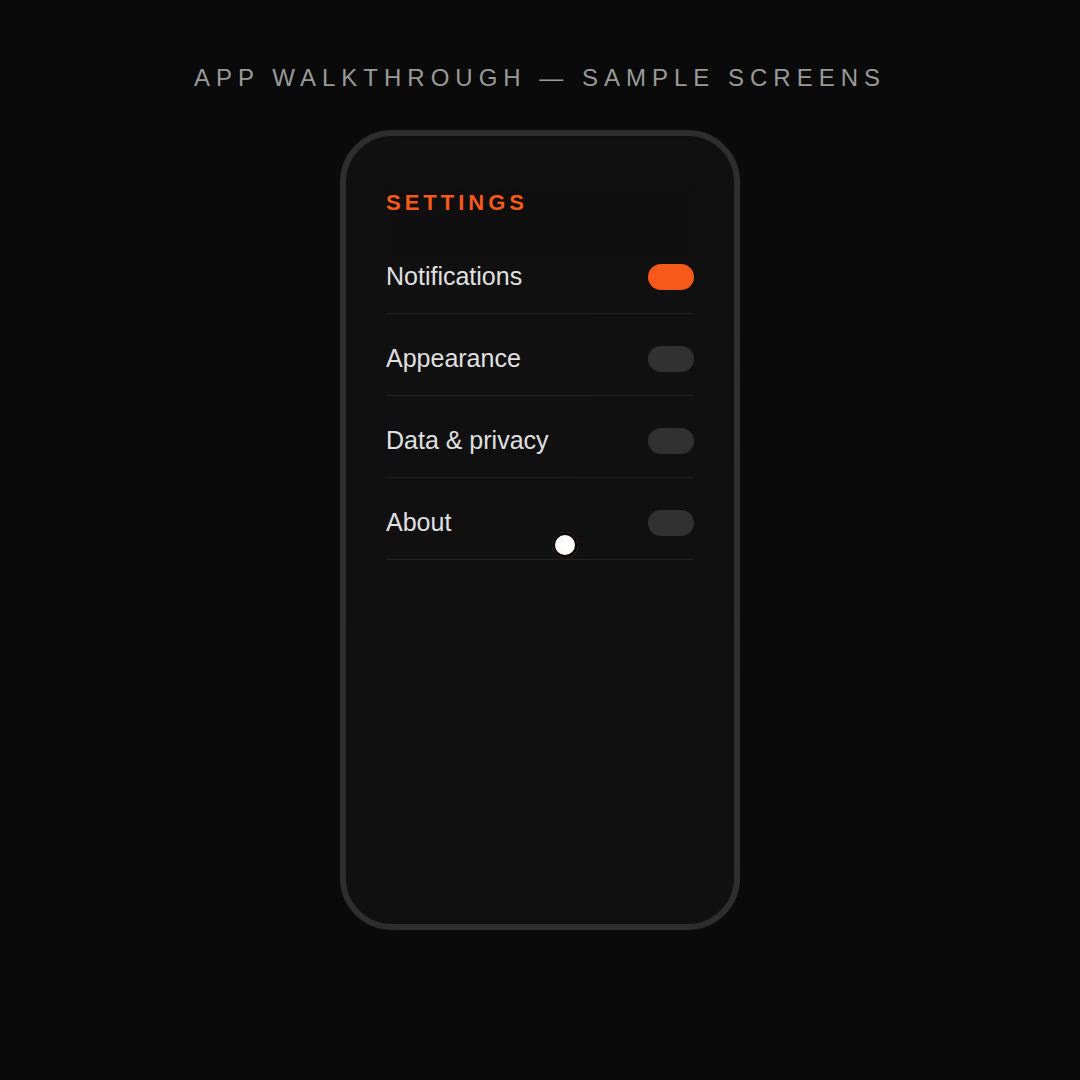 Remotion app walkthrough prompt — screens + cursor