Duration — ×1080 · Square HyperFrames HyperFrames + GSAP
Run log
ModelClaude (agent build)
Renderer / stackHyperFrames + GSAP
Iterations to final2
Render time34.0s (final render)
Format×1080 · square
Published2026-10-25
What broke (and the fix)
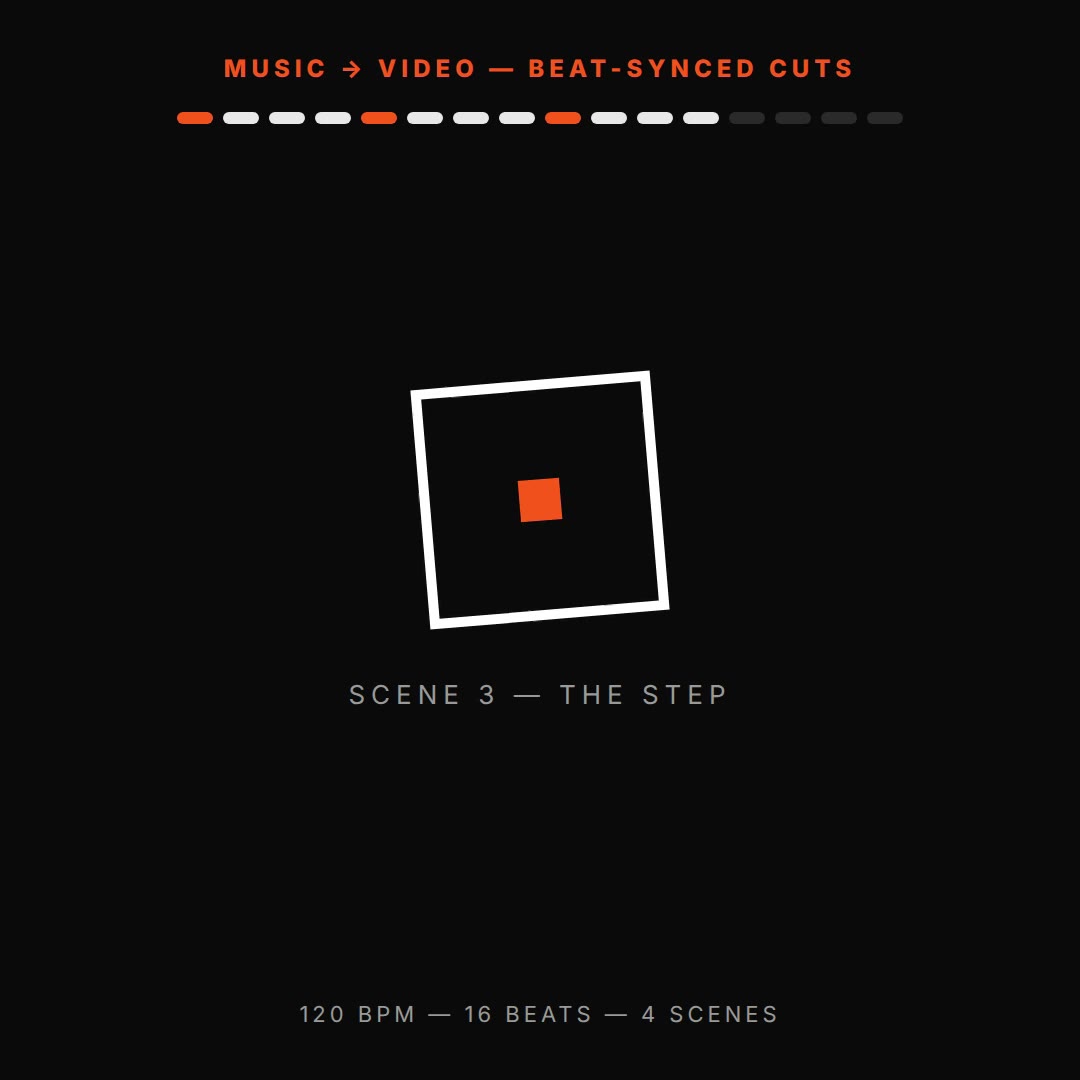
- First build lit the whole tick row at once: the timeline targeted the .tick class, so every tick flashed on every beat. Fixed by targeting ticks individually (querySelectorAll index) — the re-render's 70% still shows exactly one lit tick.
- Shape pulses verified mid-flight at 30% and 70%: no overlap, no clipping, end line lands clean.
Original prompt Tested
Beat-synced shapes prompt — music-first motion — HyperFrames (four shapes pulse on a 120 BPM grid)
by MotionPrompts (own run)
Prompt
Banned list —Beat grid —Build method —Self-review —
<direction>
An 8-second square music-first film for a motion design studio. Four shapes — circle, rounded square, triangle, diamond — sit in a row under a 16-tick beat grid. At 120 BPM exactly one shape pulses per beat, in rotation, while its tick lights in accent #ff5c1a. Headline: FOUR SHAPES. ONE GRID. End line: EVERY SHAPE LANDS ON A BEAT. House style: near-black #0a0a0a background, white type, ONE orange accent #ff5c1a, Arial/Helvetica bold, no webfonts. Fictional brands/data only.
Banned: drifting fades, off-grid motion, glows, gradients, particle bursts, bouncy cartoon easing, shapes that move between beats.
</direction>
<structure>
16 beats = 16 ticks (0.5s per beat at 120 BPM). Beat grid top; headline mid-frame; shapes row centre; end line at 6.6s; footer "120 BPM · 16 BEATS · NO DRIFT".
</structure>
<build>
One HyperFrames composition, 1080x1080 square, 30fps, seek-driven GSAP timeline. One pulse tween per beat per shape (scale 1 → 1.3 → 1); ticks light one at a time via per-tick targets — never a group selector, or the whole row flashes at once.
</build>
<gotchas>
- Target ticks individually (querySelectorAll index), not the class — the class flash was the first build's bug, caught on the 70% still.
- Keep shape scale origin at centre; check a mid-beat frame, not just settled frames, or a pulse mid-flight reads as a layout error.
</gotchas>
Before you finish: step through the timeline at five points and fix anything that overlaps, clips the frame, or drifts off the beat grid.
Use this prompt
Four shapes, one grid, zero drift: at 120 BPM each beat pulses exactly one shape and lights exactly one tick. The grid is the proof — watch a single tick, not the whole row.